Thursday, August 5, 2010

Ultrasn0w 1.0-1 Released to Unlock iPhone 4 on Baseband 01.59.00

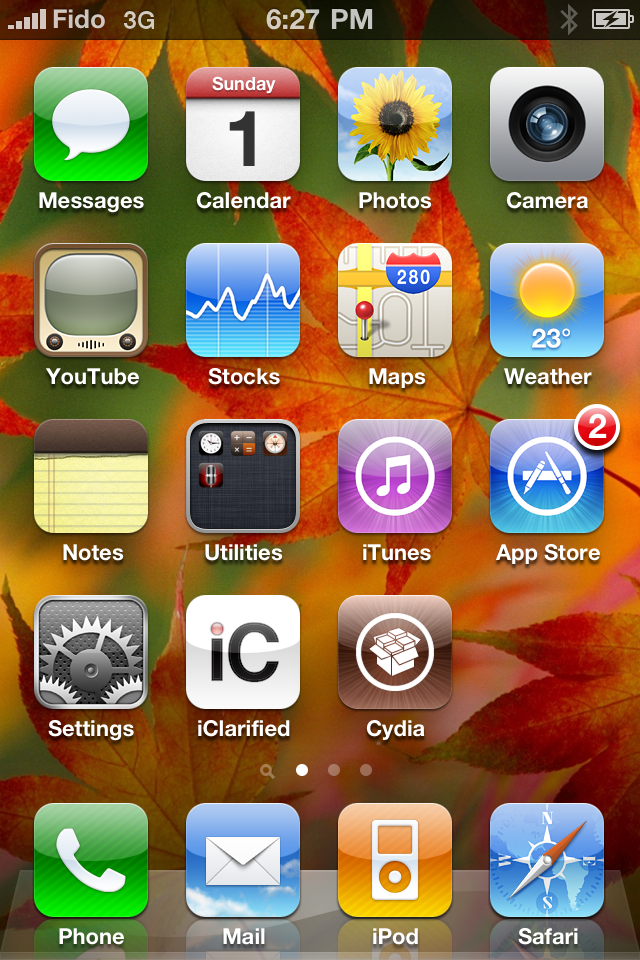
Planetbeing and MuscleNerd were working a lot the last few weeks to unlock our iPhone 4s on Baseband 01.59.00, they were waiting for comex's jailbreak to be released and it was released couple of days ago but there was some problems so the unlock was delayed! Now they just delivered the unlock and you can now free your iPhone 4 from AT&T Carrier with Ultrasn0w 1.0-1.
Note: For T-Mobile users, you have to Disable 3G Mode, Just touch on Settings --> General --> Network.
 
Step 1: You should have a jailbroken iPhone 4.  
Step 2: After Jailbreaking, Navigate to Cydia Source by Going to Cydia --> Manage --> Sources.


Step 3: Touch on “Edit” and then on “Add”. Type "http://repo666.ultrasn0w.com" then hit "Add Source". Ultrasn0w will be added to your Cydia Source lists.
Step 4: After you install Ultrasn0w in your Cydia sources list, Search for "ultrasn0w 1.0-1" and install this app, and it will automatically unlock your iPhone 4.
Congratulations, Now you have a Jailbroken and Unlocked iPhone 4, Of course thanks to Planetbeing, MuscleNerd, Comex and all who worked for that to give us free iPhone 4s. By the way, I'm writing a guide to jailbreak and unlock any iPhone, So Stay tuned for that!

Monday, August 2, 2010

iPhone 4 Unlock Coming Next 48 Hours

Planetbeing Confirmed that the Unlock for iPhone 4 is coming in the next 48 hours as they would be able to conduct a private beta.. The Jailbreak is ready using JailbreakME 2.0

How to Jailbreak iPad on iOS 3.2.1

Today is the jailbreak day as promised, Comex already released his userland jailbreak tool "JailbreakME 2.0", So here's a quick guide to enable you to jailbreak iPad 3G / Wifi on iOS 3.2.1 which was released two weeks ago.

Steps:
Step 1: Just navigate your Safari Browser to http://jailbreakme.com and it will show you "Slide to Jailbreak", just touch and slide to jailbreak


Step 2: You will have a jailbroken iPad after minutes of some processes.

How to Jailbreak Your iPod Touch Using JailbreakMe [4.0.0]

Step One
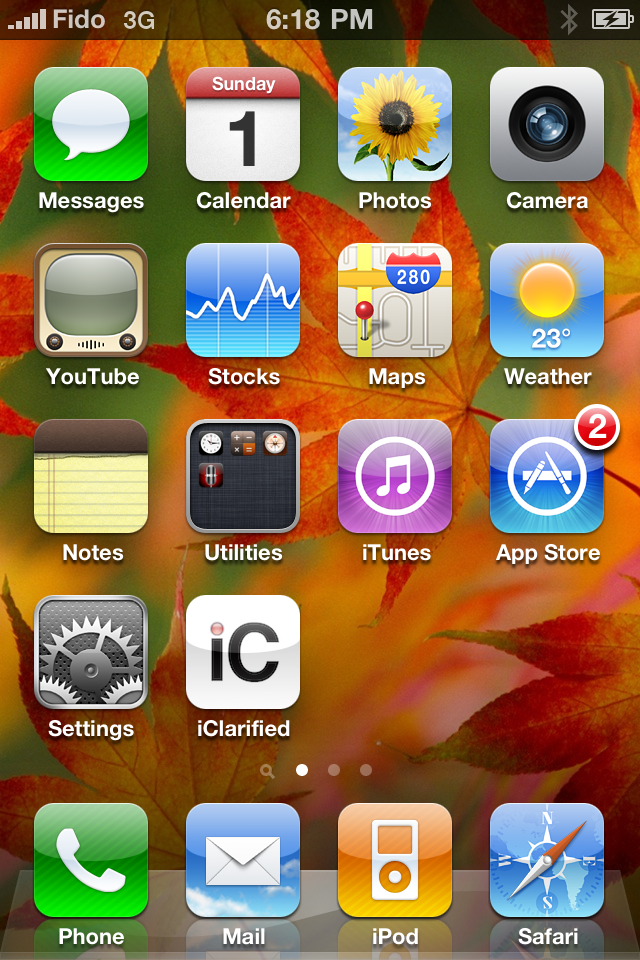
Press to launch Safari from your Springboard.


Step Two
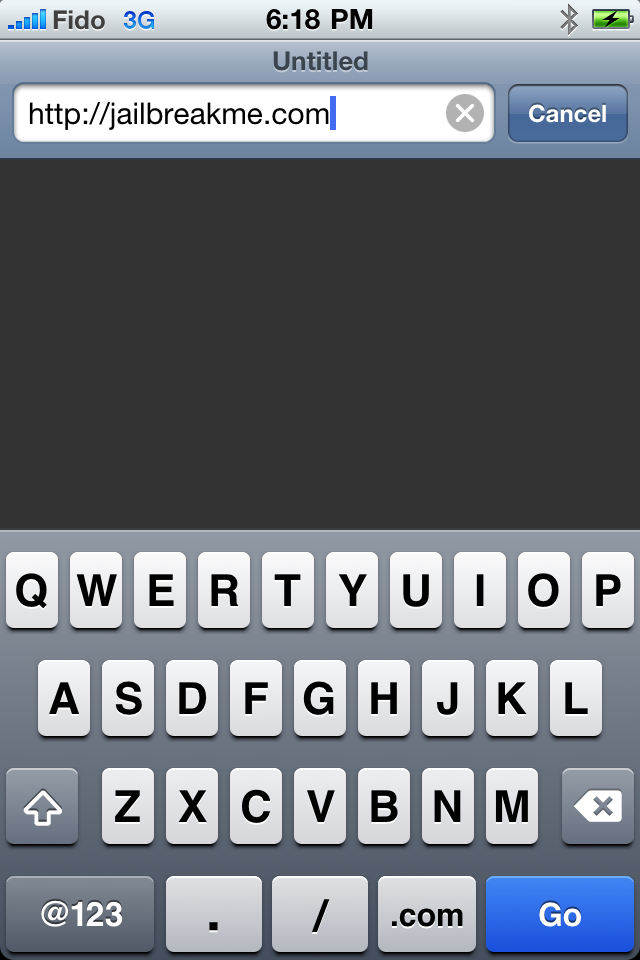
Press to select the address bar and input http://jailbreakme.com then press the Done button.


Step Three
To begin the jailbreak simply move the slider to right.


Step Four
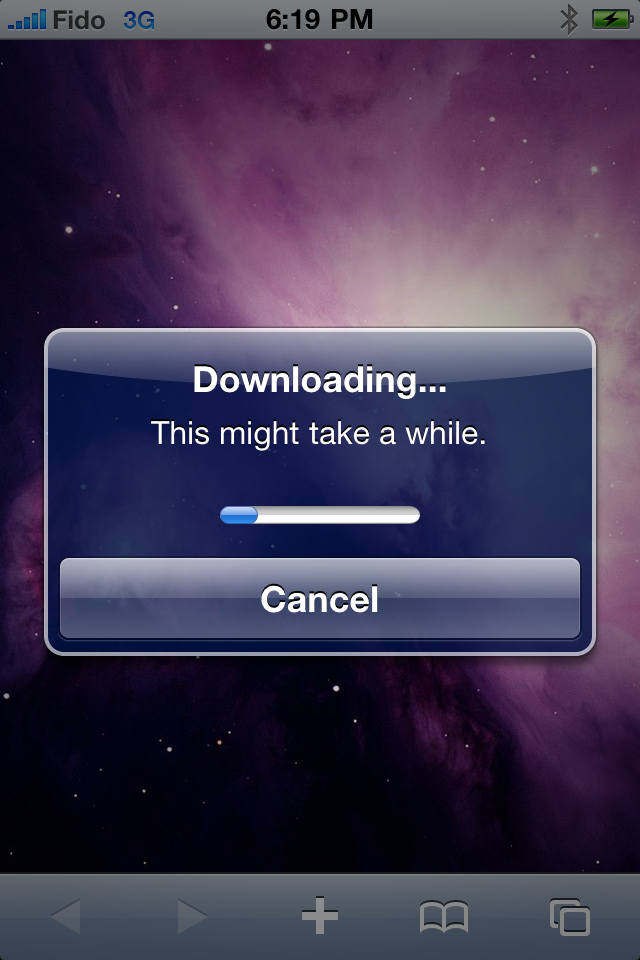
You will be displayed a status bar as the download progresses.


Step Five
Once the download is complete the jailbreak process will begin


Step Six
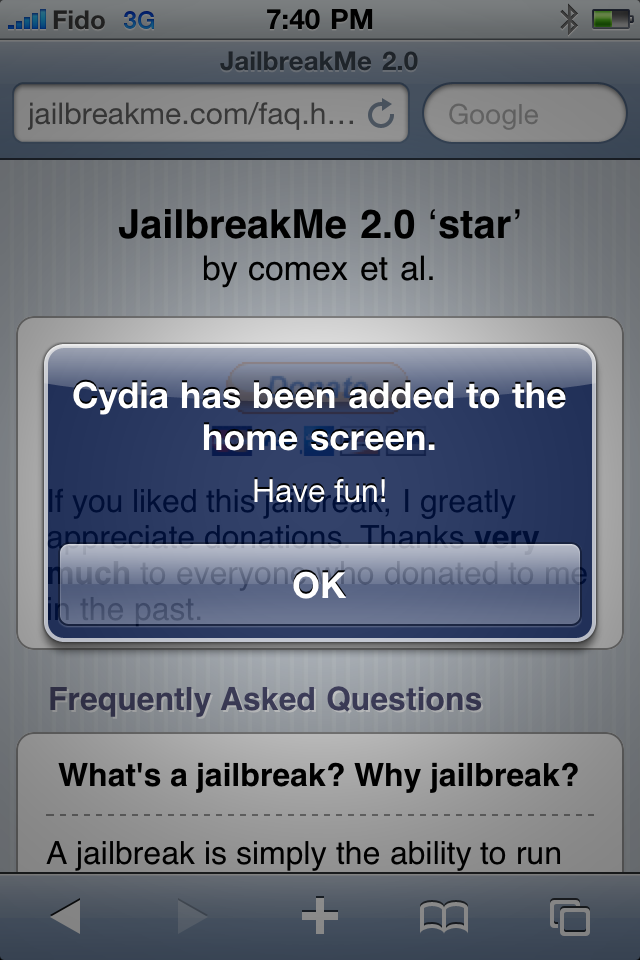
Once you are notified that the jailbreak process is complete press the OK button.


Press the Home button to reveal Cydia on your desktop!


Congratulations you are done! You may now continue by launching Cydia and installing some great apps.

A big thanks goes to Comex and the iPhone Dev-Team for their efforts and successes.

How to Jailbreak Your iPhone Using JailbreakMe [4.0.0, 4.0.1]

These are instructions on how to jailbreak any iPhone (including the iPhone 4) on iOS 4 using JailbreakMe by Comex. Before beginning make sure your device is activation on iOS 4.0.0 or 4.0.1.

Step One
Press to launch Safari from your Springboard.


Step Two
Press to select the address bar and input http://jailbreakme.com then press the Done button.


Step Three
To begin the jailbreak simply move the slider to right.


Step Four
You will be displayed a status bar as the download progresses.


Step Five
Once the download is complete the jailbreak process will begin


Step Six
Once you are notified that the jailbreak process is complete press the OK button.


Press the Home button to reveal Cydia on your desktop!


Congratulations you are done! You may now continue by installing UltraSn0w to unlock you device. iPhone 4 users still need to wait a bit for an UltraSn0w update which will arrive shortly.

A big thanks goes to Comex and the iPhone Dev-Team for their efforts and successes.